Compress Image to 50KB — Free Online Photo Size Reducer
Reduce any JPG, PNG or WebP photo to exactly 50 KB (or 20 KB, 100 KB, 200 KB) without losing quality. Perfect for SSC, UPSC, IBPS, NEET, JEE and all government form uploads.
Advertisement
What Is "Compress Image to 50KB"?
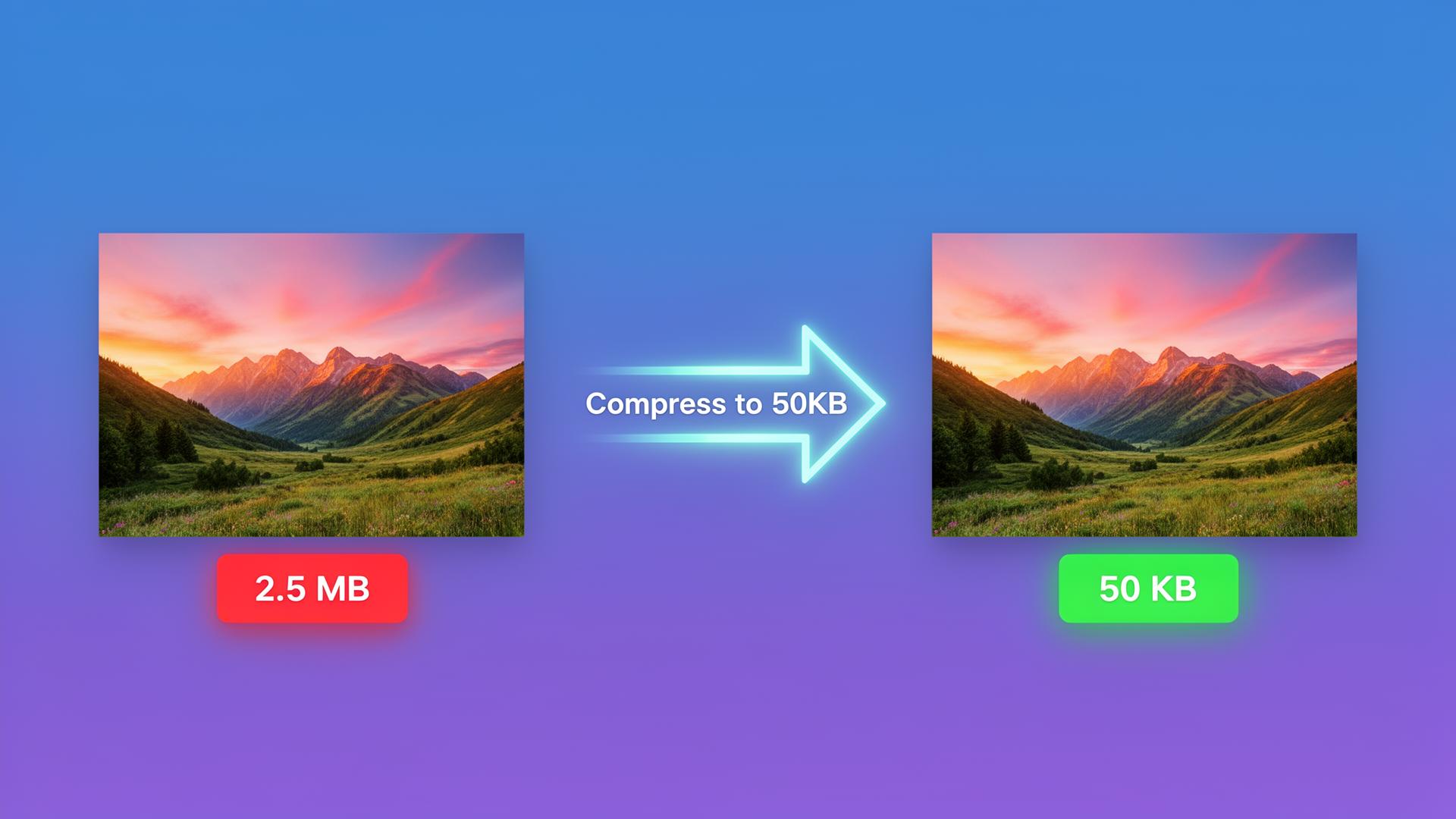
Compress Image to 50KB is a free online tool that reduces any JPG, PNG or WebP photo to exactly 50 kilobytes — the most common upload size limit on Indian government and exam portals. Whether you are filling out an SSC CGL, UPSC, IBPS PO, SBI Clerk, RRB NTPC, NEET, JEE Main, GATE or CAT application form, you have probably been stopped by the dreaded message: "Photo must be less than 50KB". This tool fixes that in a single click, right inside your browser — no app, no signup, no upload to a stranger's server.
The image compressor uses an iterative JPEG quality search combined with smart dimension scaling, so it always lands as close to your target size as possible while keeping the photo sharp and readable. For most passport-size photos a single pass at 70–80 % quality is enough to drop a 2 MB photo down to 50 KB without visible loss.
Why You Need a 50KB Photo Compressor
- Strict form limits: SSC, UPSC, RRB and IBPS all reject uploads over 50 KB — the form portal will not even let you press Submit.
- Faster page load: Compressed images load 10–20× faster on slow 4G connections, improving your website's Core Web Vitals score.
- Email and WhatsApp friendly: A 50 KB photo attaches instantly and never bounces because of size limits.
- Save storage: A folder of 200 compressed photos takes 10 MB instead of 400 MB on your phone.
- SEO benefit for bloggers: Google PageSpeed Insights penalises pages with uncompressed images — compressing every hero image to under 100 KB is a free ranking boost.
How to Compress an Image to 50KB (3 Steps)
- Click "Upload" and choose any JPG, PNG, JPEG or WebP photo from your phone or computer. Even a 10 MB DSLR shot works.
- Pick your target size. The slider defaults to 50 KB, but one-click presets let you switch to 20 KB, 100 KB, 200 KB or 300 KB instantly.
- Press "Compress to 50 KB" and download the optimised JPG. The whole job takes about one second on a phone.
Common Form Photo Requirements (India)
This compressor was built for the exact size brackets used by recruitment and college portals across India:
- SSC CGL / CHSL / MTS: photo 20–50 KB, signature 10–20 KB.
- UPSC Prelims / Mains: photo under 300 KB, but most portals recommend 50 KB.
- IBPS PO / Clerk / SBI: photo 20–50 KB, signature 10–20 KB.
- RRB NTPC, Group D, ALP: photo 20–50 KB.
- NEET / JEE Main / GATE: photo 10–200 KB, signature 4–30 KB.
- State Police, PSC, Patwari exams: photo 20–50 KB, signature 10–20 KB.
- Passport & Aadhaar updates: photo under 100 KB.
Best Settings for Different Photo Types
- Passport-size ID photo: 50 KB target — quality auto-selects ~75 %.
- Signature scan: 20 KB target — perfect for SSC / IBPS signature upload.
- Document scan (Aadhaar / PAN): 100 KB target — keeps text readable.
- Blog hero image: 80–120 KB — best ratio for Google PageSpeed.
- Product photo for Amazon / Flipkart: 200 KB target — sharp at thumbnail size.
- WhatsApp DP: 50 KB — uploads instantly even on 2G.
How the Tool Actually Compresses Your Image
The tool uses three classic compression techniques used by professional image-optimisation libraries:
- Iterative JPEG quality search. A binary search runs 8 times to find the highest quality value that still fits under 50 KB.
- Smart dimension scaling. If 50 KB cannot be hit at the original resolution, the tool gently reduces width and height in 25 % steps until the target is achievable — so you never get a blank or broken file.
- High-quality bicubic resampling. Browser canvas smoothing is set to
high, which preserves text sharpness and skin tones better than naive nearest-neighbour scaling.
Compress Image to 50KB vs. Other Tools
Online image compressors like TinyPNG, ILoveIMG and Compress2Go work, but they all upload your photo to their servers, which is risky for ID cards, signatures and personal documents. Photoshop and GIMP can hit any size but cost money and take 10 minutes to set up. This tool is free, instant, and 100 % private — your photo never leaves your browser. Compared to our generic Image Compressor, this page is laser-focused on the 50 KB exam-form use case, which is by far the most searched compression query in India.
Privacy: Your Photo Never Leaves Your Device
Every compression happens locally in your browser using HTML5 Canvas. Open DevTools, switch to the Network tab, press Compress — you will not see a single upload request. The same privacy-first architecture powers all our photo tools, including the Background Remover, Photo Cropper, Photo Remini AI Enhancer and Image to PDF converter.
Who Uses This Tool?
- Government exam aspirants filling SSC, UPSC, IBPS, RRB, SBI and state PSC forms.
- Students uploading photos for NEET, JEE, GATE, CAT, university admissions and scholarship portals.
- Bloggers and SEOs shrinking hero images to improve PageSpeed Insights and Core Web Vitals.
- E-commerce sellers compressing product photos to load faster on Amazon, Flipkart and Meesho.
- Office workers who need to email a CV photo or scanned document under a strict size limit.
- Real estate & matrimonial users uploading profile pictures to portals that cap photo size.
Frequently Asked Questions
How do I compress an image to 50KB online for free?
Upload any JPG, PNG or WebP photo, the tool automatically targets 50 KB using a smart quality + resize search, and gives you a downloadable file in seconds. No signup, no watermark, no upload to any server.
Will compressing to 50KB ruin the quality of my photo?
For most documents, ID photos and form uploads the result is sharp and clearly readable. The tool uses iterative JPEG quality search and only reduces dimensions when 50 KB cannot be hit with quality alone, so it preserves as much detail as possible.
Which government and exam forms require a 50KB photo?
SSC, UPSC, RRB, IBPS, SBI PO, NEET, JEE, GATE, CAT and most state-level recruitment portals require a passport-size photo between 20 KB and 50 KB. This tool was tuned to hit those size brackets in a single click.
Is it safe to compress my photo here?
Yes. Compression happens entirely in your browser using HTML5 canvas. Your photo never touches a server, so it is safe for ID cards, signatures and confidential documents.
Can I compress a PNG to 50KB?
Yes. Upload the PNG; the tool converts to high-quality JPEG (the most efficient format for photos) and brings the file down to 50 KB. If you specifically need PNG output, choose a higher target like 100 KB.
What is the difference between 20KB, 50KB and 100KB compression?
20 KB is the absolute minimum used by some old SSC and railway forms; 50 KB is the most common requirement across exam portals; 100 KB is typical for KYC and college admission portals. Use the size buttons in the tool to switch instantly.
Does it work on Android and iPhone?
Yes. The page is mobile-friendly and the compression runs locally in Chrome, Safari, Edge and Firefox on any phone, tablet or laptop — no app install required.
How many photos can I compress per day?
There is no daily limit, no credit system, and no signup. Compress as many photos as you want, completely free.
Try More Free Photo Tools
Once your photo is 50 KB, you may also want to crop it to passport size, remove the background for a clean white ID photo, enhance an old blurry photo with Photo Remini, combine multiple photos into one PDF for form upload, or convert KB to MB to verify the final size. Pair them with our PDF tools to build a complete free workflow for every Indian exam form.
Author: Amit Kumar Saini · Last updated: 9 June 2026 · About ToolsKit.tech · Contact · Privacy Policy